What is a virtual machine and when would you use one?
Understand virtual machines through a familiar learning example, including shared resources, compatibility and recovery limits.
Technology explainers
Clear maps of the systems behind everyday technology. Learn what each part does, how the pieces depend on one another, and which details actually matter before you buy, change, or troubleshoot anything.
Start with computer hardware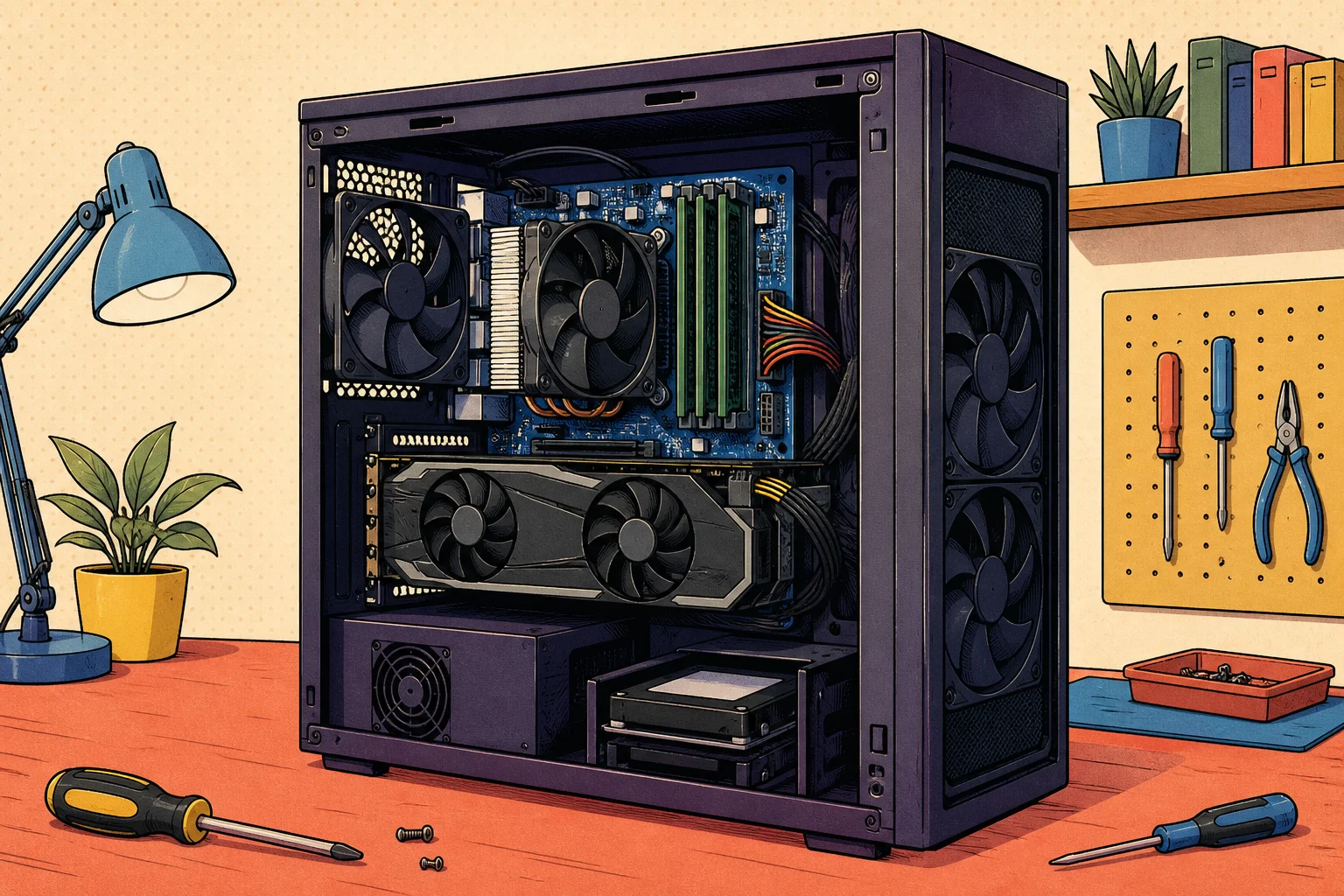
What you will get
An explainer should leave you able to reason about the system—not merely repeat a definition.
See the components, jobs, and dependencies without losing the shape of the whole system.
Understand the terms you will meet in settings, specifications, support conversations, and buying decisions.
Recognise what the explanation can establish, what needs testing, and when a specialist is the sensible next step.
On the shelf now
Understand virtual machines through a familiar learning example, including shared resources, compatibility and recovery limits.
Understand why an AI answer can sound convincing and still be wrong, and learn which claims to verify before acting.
An extension that cannot be removed is frustrating. A browser message saying “managed by your organisation” on a personal computer can be alarming.
Choose the correct calendar-sharing model for colleagues, delegates or partner organisations, expose only the required detail.
Choose the correct local, personal Microsoft or organisational work/school identity during Windows setup so the intended owner controls the device.
Decide whether identities should remain cloud-only or synchronise from on-premises Active Directory.
Metadata cleanup is not deleting an old computer icon. Remove a permanently failed domain controller through the supported metadata-cleanup path.
Custom attributes can turn an endpoint platform into a useful operational database—or a pile of stale strings that trigger the wrong machines.
An endpoint-security add-on inside an RMM console can be convenient: one deployment path, one device list and one invoice.
Calendar problems are message-flow problems, mailbox-item problems and permission problems at the same time.
An Exchange certificate problem is often a namespace problem wearing a certificate warning.
Exchange coexistence is often described as “set up a trust”. That phrase hides several unrelated mechanisms.
An Exchange Online report that lists only ForwardingSmtpAddress is not a forwarding audit.
Choose the supported Exchange Server retirement scenario, remove every mailbox, relay, hybrid and recipient-management dependency.
Exchange Server installation changes more than one Windows machine. Prepare a supported Exchange Server installation from current requirements.
An Exchange server is not supported merely because its Windows service starts or mail still flows.
pdf looks like a PDF. That is useful information, but it is not proof. Assess an unexpected file without trusting its name.
An application does not pass through “the firewall” as one yes-or-no event. Trace one failed application flow across DNS.
“Office 365 is installed” is not enough information to diagnose an update, compatibility or support problem.
DHCP looks simple when it works: a device joins a network and receives an address. Understand the moving parts of a Linux DHCP service.
When Linux reports that a disk is full, the tempting response is to find something large and delete it.
Build a reliable, privacy-conscious Linux incident timeline from bounded journal and file searches by recording the host, boot, clock, time zone.
“The server is slow” is a valid user report, but it is not yet a resource diagnosis. Turn “the Linux server is slow” into time-correlated evidence.
A ransomware note is obvious. A suspicious process, unexplained sign-in or security alert may not be.
Markup and margin both describe gross profit, but they divide by different numbers. That is why a 25% markup does not produce a 25% margin.
Reinstalling Office can repair damaged program files. Remove or repair the correct Office installation while preserving user data and adjacent products.
Choose the narrowest practical Microsoft 365 administrator role and scope for a real task, then make the access time-bounded, reviewable and recoverable.
A monitoring server that collects thousands of green metrics can still miss the outage a user cares about.
Network tools become useful when the question is narrower than the output.
It does not protect every failure and it does not replace a recoverable backup.
Diagnose a Proxmox VE host whose networking or passthrough changed after installation.
Proxmox VE can present many storage technologies through one interface. That convenience can hide important differences.
An old web proxy often survives because nobody knows which part of it the business still needs.
A critical Exchange Server headline does not tell you whether your servers are affected, compromised or safe.
Legacy Exchange access is rarely one feature. Discover legacy Exchange client/application access.
It does not remove the need to authenticate the host, protect the session and limit who can administer it.
Turn a cupboard, server room and mixed business-hardware estate into a prioritised lifecycle plan based on business dependency, supportability.
“SoftEther VPN” can describe several materially different access paths. One deployment may use the SoftEther client and protocol.
A script becomes operational automation when another person can predict its scope, interpret every outcome and run it again safely.
Those designs have different permissions, failure modes and effects on email authentication.
A VLAN creates a separate Layer 2 broadcast domain on switching infrastructure.
Windows includes several administration interfaces because they answer different questions.
“Access denied” does not automatically mean the user needs Full Control. Explain why a Windows user can or cannot access a local file.
” It chooses among interfaces, addresses, routes, DNS rules and firewall profiles for every connection.
NET” does not tell you what to install. NET runtime, or an SDK needed only to build software.
WireGuard is deliberately small. It creates an encrypted IP tunnel between peers that possess the right keys.
A link is small, but it crosses several boundaries: filesystem, path syntax, permissions and the program opening it.
Learn what the main parts inside and around a computer do, how they work together, and what to check before buying or upgrading hardware.
Separate the confirmed 2023 Boeing Distribution incident from speculation, then turn its Citrix Bleed entry path, environment boundary, response evidence, and supplier dependencies into practical lessons.
Revisit the 2023 FITI announcement without the superlatives: what 1.2 Tbit/s described, how a research backbone differs from household internet, and how to compare network-speed records honestly.
Choose a mailbox service by deciding who owns the address, who protects the domain, who must administer it, how people will work, and how you could leave—before comparing storage, apps, or promotional prices.
Decide whether you need more mailbox space, records retention, legal preservation, deleted-item recovery, or a recoverable point in time—because an archive mailbox solves only some of those problems.
Understand the continuing work behind DMARC, decide whether to run it yourself or get help, and evaluate providers without buying a dashboard, promise, or policy you cannot safely operate.
Need to do something?
Explainers build understanding. The guide library also contains step-by-step help for setup and maintenance.
Browse every available guide