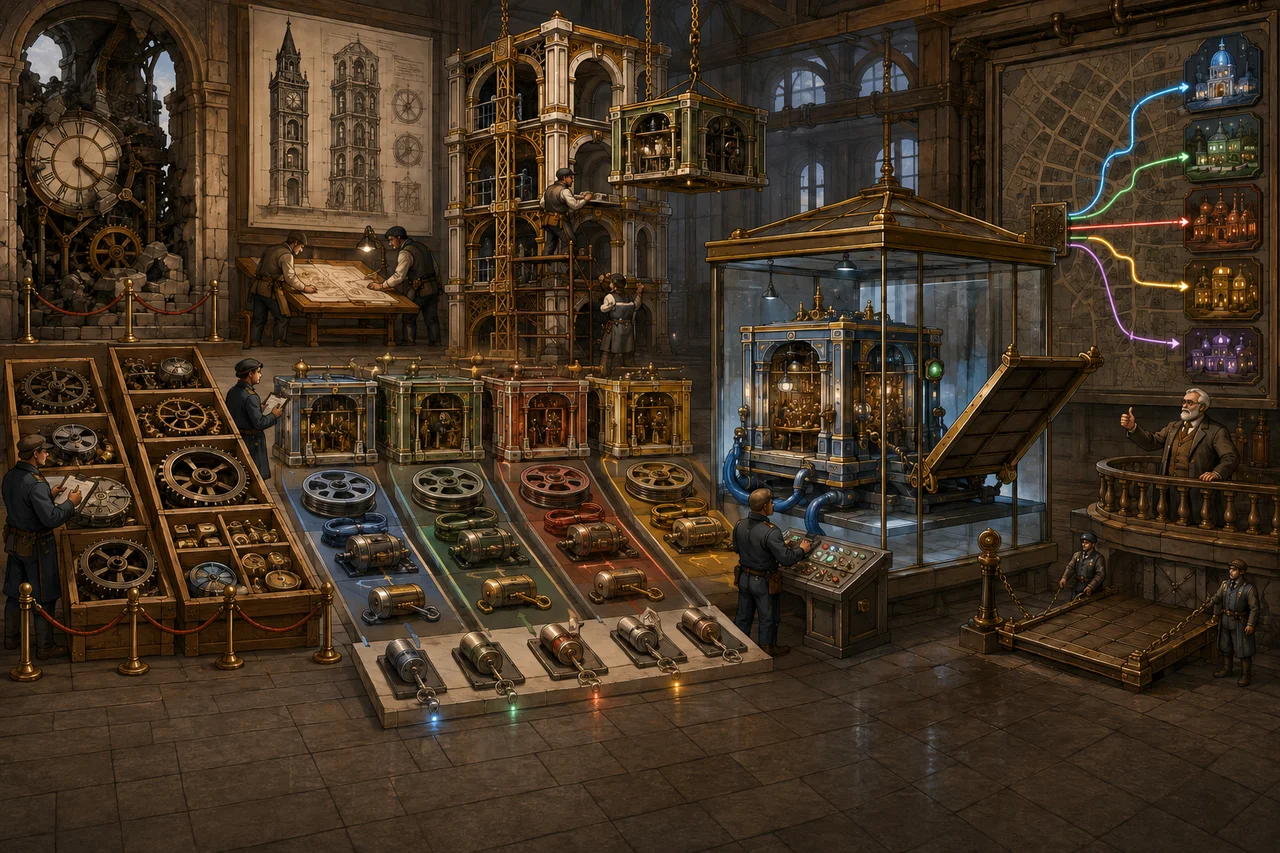
A Hyper-V host rebuild has two different goals:
- return the hypervisor to a known, supportable state; and
- recover each workload with the right identity, storage, network and application behaviour.
Completing the first does not prove the second. A VM can show “Running” while booting from the wrong disk, attached to the wrong network, missing a checkpoint dependency or quietly corrupting application state.
Start with a recovery authority
Name who can decide:
- which backup or export is authoritative;
- the acceptable recovery point and downtime;
- whether an existing VM identity must be preserved;
- which network the recovered guest may join;
- which application checks define success; and
- when the old host or files may be retired.
If the host failed unexpectedly, preserve the original storage read-only where practical. Do not “tidy” unfamiliar VHDX or AVHDX files. A differencing disk may be the active end of a checkpoint chain even when the console does not display the checkpoint correctly.
Build the before-state inventory
Recover from records first and from surviving host evidence second. For each host, record:
- Windows Server edition, version, patch level and activation/licensing dependencies;
- hardware, firmware, storage controller and driver requirements;
- Hyper-V role/features and management method;
- storage volumes, file systems, mount points and free-space requirements;
- virtual switches, physical adapters, teams, VLANs and management-network design;
- backup agent, exclusions, monitoring and recovery credentials; and
- time, DNS, domain/workgroup and remote-management dependencies.
For each VM, capture:
- name, ID, generation and configuration version;
- configuration, runtime, checkpoint and virtual-disk paths;
- every VHD/VHDX/AVHDX and its parent relationship;
- virtual switch, VLAN and adapter identifiers;
- processor, memory, dynamic-memory and NUMA-sensitive settings;
- firmware, boot order, Secure Boot template and virtual TPM/key-protector dependencies;
- integration services, automatic start/stop actions and priority;
- guest identity, addresses and application role;
- backup policy and most recent successful protected recovery point; and
- application-owner verification steps.
A spreadsheet of VM names and disk sizes is useful, but it is not a recovery design.
Classify what you actually have
A whole-VM backup
This should contain the configuration, disks and required state through a supported backup mechanism. Use the backup product’s current restore workflow and confirm what “application consistent,” “crash consistent” or “data only” means in that product and guest.
A Hyper-V export
An export gathers configuration, virtual disks and checkpoint files into a portable unit. It is designed for Hyper-V import, but its configuration version still has to be supported by the destination host.
Configuration and disks without an export
Hyper-V may be able to register or import available configuration files. If configuration is missing or unusable, a new VM can be created around recovered virtual disks—but settings and identity must be reconstructed deliberately.
Virtual disks only
This is data-only recovery, not a complete VM restore. Record the expected VM generation, firmware, controller positions, boot disk, networking and security settings before creating the replacement shell.
Checkpoint files or copied folders
Do not assume a copied folder is self-contained. Determine the complete disk parent chain and configuration relationship before opening or attaching anything. Copying or modifying the wrong member can make later supported recovery harder.
Rebuild the host as infrastructure
Use supported hardware and firmware and install the chosen Windows Server edition with the Hyper-V role. Keep the management operating system focused on hosting; do not turn it into a general-purpose workstation or application server.
Before importing guests:
- patch the host to the approved baseline;
- install only required vendor drivers and management components;
- configure protected administration and a recovery path;
- create storage volumes and paths according to the recorded design;
- reconstruct virtual switches, teams and VLAN intent without reusing ambiguous names;
- configure time, DNS, monitoring, security and backup components; and
- record the host’s supported VM configuration versions.
Do not connect every uplink and production VLAN merely because the host installation completed. Keep an isolated recovery switch available.
Choose the correct import path
Hyper-V provides three distinct import choices.
Register in place
The VM runs from the files where they currently sit and retains its existing ID. Those files become the live working set. Use this only when the location is the intended permanent storage and the original registration is not active elsewhere.
Restore
Hyper-V copies the files to the selected destination and retains the VM ID. The source export remains available. This suits a recovery where identity must be preserved but storage should be reconstructed.
Copy
Hyper-V copies the VM and generates a new ID. This is useful for an isolated test or an intentional duplicate, but it does not prevent guest-level identity conflicts such as the same hostname, IP address, directory identity or application instance.
Before any import, compare the VM configuration version with the destination host. Do not update the VM version during initial recovery. Preserve the ability to fall back until the recovered workload is accepted.
Reconcile incompatibilities before first production boot
Review every import warning and compare the recovered VM with the inventory. Common differences include:
- missing virtual-switch names;
- changed adapter/VLAN mappings;
- insufficient or differently arranged memory/CPU resources;
- unavailable physical devices or GPU assignment;
- storage paths and permissions;
- Secure Boot template or generation assumptions;
- virtual TPM, shielding or key-protector requirements; and
- cluster or live-migration dependencies that do not exist on a standalone host.
Do not “fix” an encrypted or shielded VM by stripping its protection. Recover the required trust and key infrastructure through the supported design.
First boot belongs on an isolated network
Isolation is essential when a recovered guest might duplicate a live system, renew a lease, register in DNS, send queued mail, run scheduled jobs, contact customers, process transactions or replicate stale directory data.
On the isolated switch:
- confirm the intended boot disk and operating system;
- inspect disk and checkpoint-chain state;
- verify system time and event logs;
- check services, scheduled tasks and application dependencies;
- confirm that no unexpected production communication is possible;
- remove stale hardware/agent assumptions only through supported procedures; and
- run the workload owner’s recovery checks against the agreed recovery point.
A login screen is not an application test. A database service showing “Running” is not proof that the correct database opened without recovery errors.
Verify recovery in layers
Hyper-V layer
- VM ID, generation and configuration version are as intended.
- CPU, memory, firmware, integration and automatic actions match the design.
- Every disk and checkpoint relationship is accounted for.
- Storage paths, permissions and free space are healthy.
Guest layer
- the expected OS instance and system disks are present;
- time, device state and logs show no unexplained recovery errors;
- supported guest updates and integration components are current; and
- security, monitoring and backup agents are healthy.
Network and identity layer
- the adapter connects only to the intended switch/VLAN;
- addresses, DNS and routes are correct;
- duplicate identity cannot coexist; and
- management and application access obey the expected policy.
Application and data layer
- the application owner verifies the selected recovery point;
- data opens cleanly and critical transactions or records reconcile;
- scheduled processing, integrations and outbound actions are controlled;
- authentication and authorisation work as designed; and
- a rollback decision exists if the production cutover fails.
Protection layer
- the VM is included in the current backup policy;
- a new backup completes after recovery;
- monitoring sees the host, guest and workload; and
- a supported restore path is documented for the rebuilt state.
Cut over deliberately
Power down or isolate any conflicting old instance. Attach the recovered VM to production only after the identity and application owners agree. Watch logs, connectivity, data processing and backup/monitoring during the change window.
Do not delete exports, original storage or earlier recovery points at cutover. Retain them for the agreed evidence and rollback period, protected from accidental start and unauthorised access.
Recovery is complete when it can be explained
Record the source recovery point, import type, VM identity decision, configuration differences, isolation evidence, application acceptance, cutover time, remaining artefacts and their retirement date. Update the authoritative inventory to describe the rebuilt host rather than leaving a second, conflicting version of reality.
The standard is not “the VMs came back.” It is that each workload was recovered from a known source, reconciled against a known design, verified by its owner and returned to protection without creating a duplicate or hidden dependency.