An AI summary is useful when it helps you find and understand the important parts of a document. It becomes risky when its tidy wording hides an exception, an uncertain number or a section it never read properly.
Start with a short public document you are allowed to upload, such as an event programme or a published user guide. Keep the original open beside the conversation. Your goal is a summary you can trace back to the document.
Choose a document and one clear purpose
Decide what you need before uploading: an overview, dates and requirements, or the answer to a specific question. “What do I need to do before attending?” produces a more useful target than “summarise everything.”
For a first attempt, avoid personal records and employer or customer documents. Permission to read a file does not necessarily include permission to share it with an external service. Use an approved work process for sensitive material.
Choose a tool that supports the file in your account. For example, Google’s documented Gemini workflow lets you attach a supported file, add a question and submit it. Availability and limits vary; follow the controls in your account and the current file-upload instructions.
If a file is rejected, do not rename its extension to disguise it. Use a supported format or a permitted text extract.
Ask for a summary that can be checked
Here is a reusable starting prompt:
Use only the attached document. Explain its purpose in one sentence, then list the main points relevant to someone deciding what to do next. Keep dates, quantities, eligibility rules and exceptions explicit. For each point, give the page or section where I can check it. Mark missing or unclear information rather than filling it in. Tell me if any pages or content were unreadable. Keep the first summary under 250 words.
This is an instruction template, not a guarantee. The AI’s claim to have read everything is itself unverified.
Anthropic’s guidance on reducing hallucinations supports grounding answers in supplied material and allowing uncertainty. Those techniques help make an answer checkable; they do not remove the need to check it.
Use a tiny example to learn what can go wrong
The following notice is fictional teaching material. You can paste it into a conversation to practise before uploading a PDF:
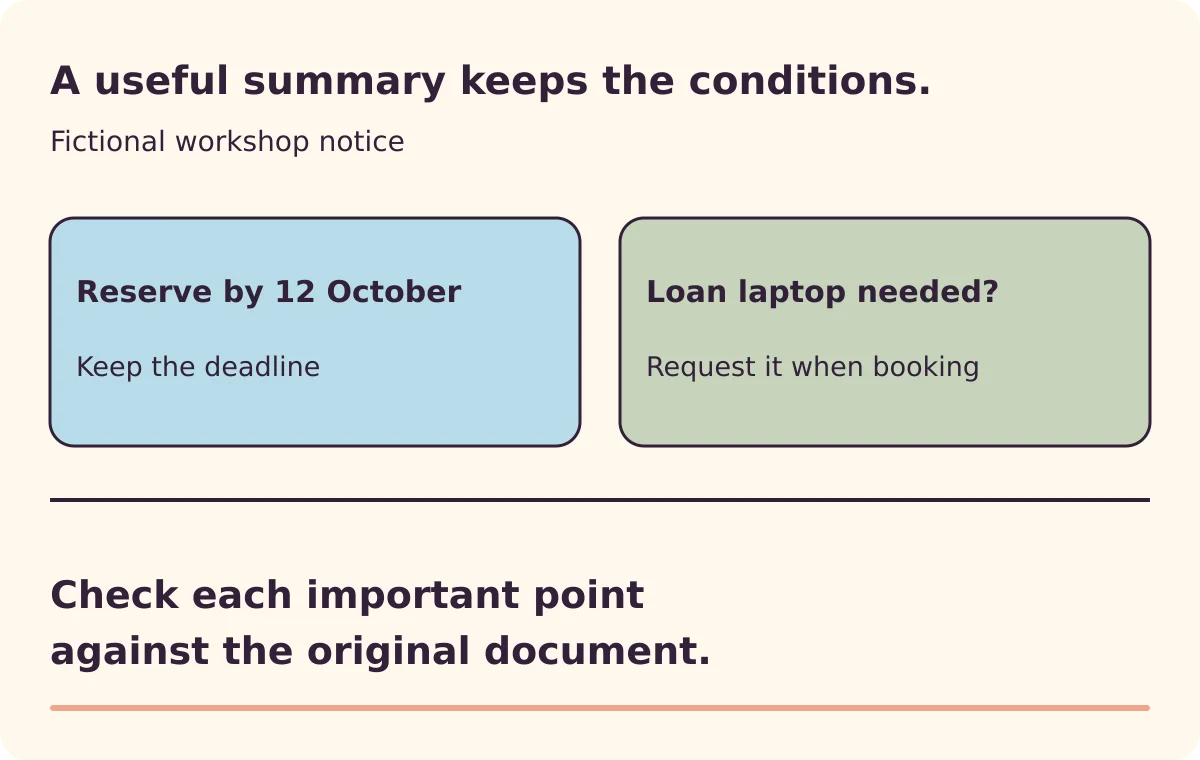
Community workshop: Saturday, 17 October, 10:00–12:00. Entry is free, but places must be reserved by 12 October. Bring a charged laptop. Loan laptops are available only if requested when booking. The session is for beginners; it does not provide individual computer repairs.
A useful summary preserves the reservation deadline and the condition attached to borrowing a laptop. “Free workshop; laptops provided” would lose information someone needs to act on.
That flawed summary was deliberately written for this example. It is not output observed from a particular AI product.
Check the claims that affect your next step
Use a small table beside the summary:
| Claim to check | What to inspect in the original |
|---|---|
| A date or deadline | Exact date, year where given, and whether it applies to booking or attendance |
| A quantity or price | Unit, currency, period and any stated exclusions |
| A requirement | Who it applies to and whether an exception follows |
| A conclusion | Whether the document states it or the summary has inferred it |
| A cited page | The relevant passage, not merely the existence of that page |
PDF page numbers and printed page labels can differ. A useful citation should still let you locate the passage. Ask for the section heading if the number is confusing.
Also scan the document’s headings yourself. A summary can contain accurate statements while omitting the section you most needed.
Repair the specific gap
Instead of asking for another full summary, point to the problem:
The summary says laptops are provided. Recheck the loan-laptop condition and revise that point. Keep the condition and booking requirement explicit.
For a long document, work through relevant sections separately and reconcile the results. Google’s documentation warns that large uploads can lead to missed details or connections. Splitting a document can help focus attention, but it can also separate an exception from the rule it modifies.
Keep surrounding context with any extract. If the document depends on diagrams, scans or complex tables, inspect those directly rather than assuming the text summary represents them.
Keep the summary attached to its source
Save the document title, version or date, and your checked summary together. Mark anything still unresolved. If checking every statement takes longer than reading a short original, read the original.
For the underlying reason fluent answers can still go wrong, see why AI makes things up.